My Custom Funnels is where you see and manage every funnel you build with the add-on. From here you create new funnels, open one to change it, jump to its autoresponder settings, or remove it.
Where to find it:
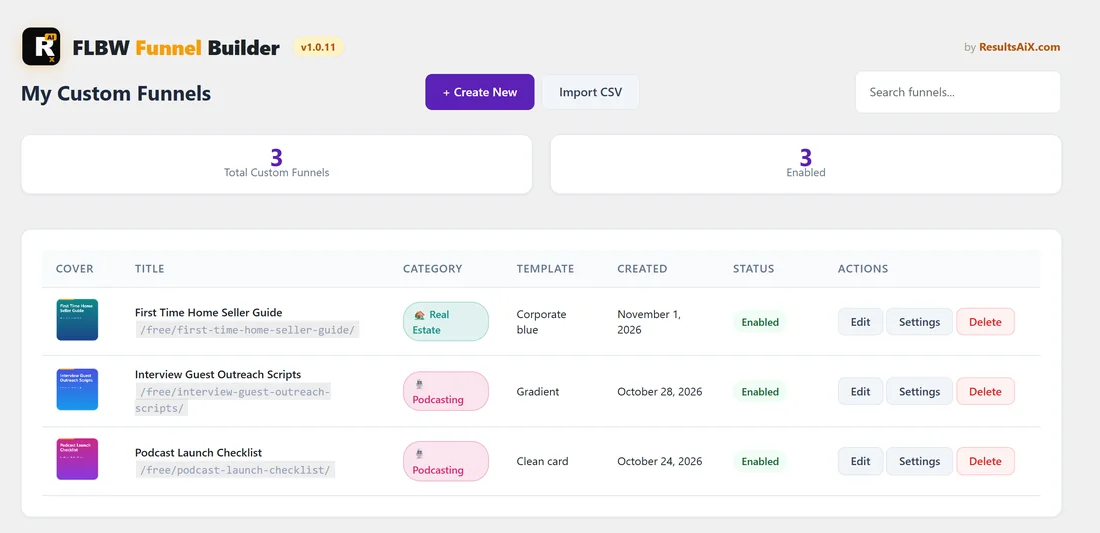
Open Free List Building, My Custom Funnels in the WordPress sidebar, or click the Funnel Builder ACTIVE tab on the right of the plugin's tab bar.
Your first visit:
Before you have any funnels, the screen says Let's build your first funnel and shows two cards. Create New Funnel with Start Wizard opens the 6 step wizard. Import from CSV with Upload CSV opens the CSV Import screen. A Manage Categories link sits underneath.
Once you have funnels:
- Two counters at the top: Total Custom Funnels and Enabled.
- Buttons: + Create New (opens the wizard) and Import CSV.
- A Search funnels box that filters the table as you type.
- A table with Cover, Title (with its web address under it), Category, Template, Created, Status and Actions. The newest funnel is at the top.
The action buttons:
- Edit opens the funnel in the wizard as Edit Funnel, with everything filled in. Change the text, PDF, cover image, template or colours, then click Update Funnel on the last step.
- Settings opens the funnel's page in the main plugin, the same Edit page you use for built-in funnels. There you set the autoresponder and list for this funnel, a custom headline, background colour, page template and a per-funnel affiliate link (see Editing a Funnel).
- Delete asks Delete this funnel? Click Delete Funnel to remove the funnel together with its squeeze page, download page, PDF and cover, or Cancel to keep it.
Switching a funnel on or off:
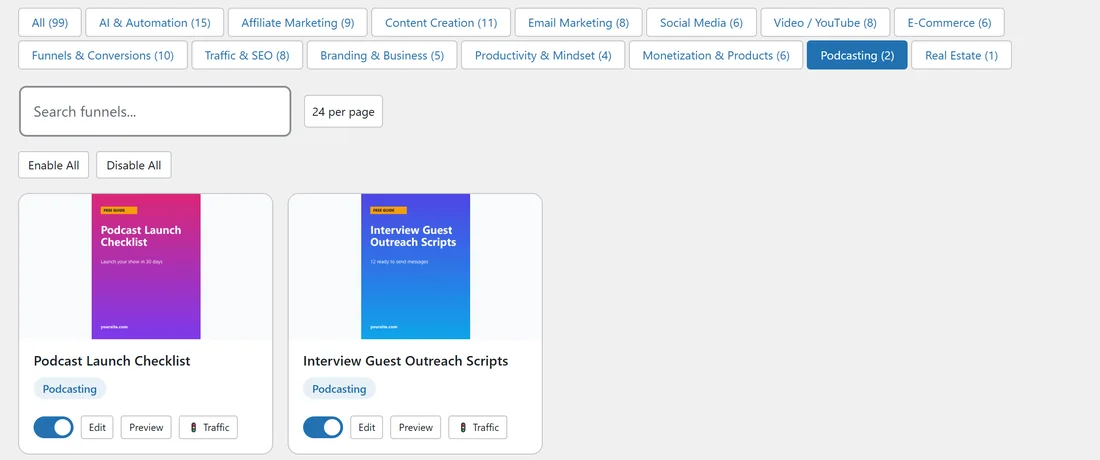
Use the funnel's switch on the main plugin's Funnels tab, next to your built-in funnels. New funnels are switched on as soon as you save them. The Status column here shows Enabled or Disabled.
Step by step: find and update one funnel:
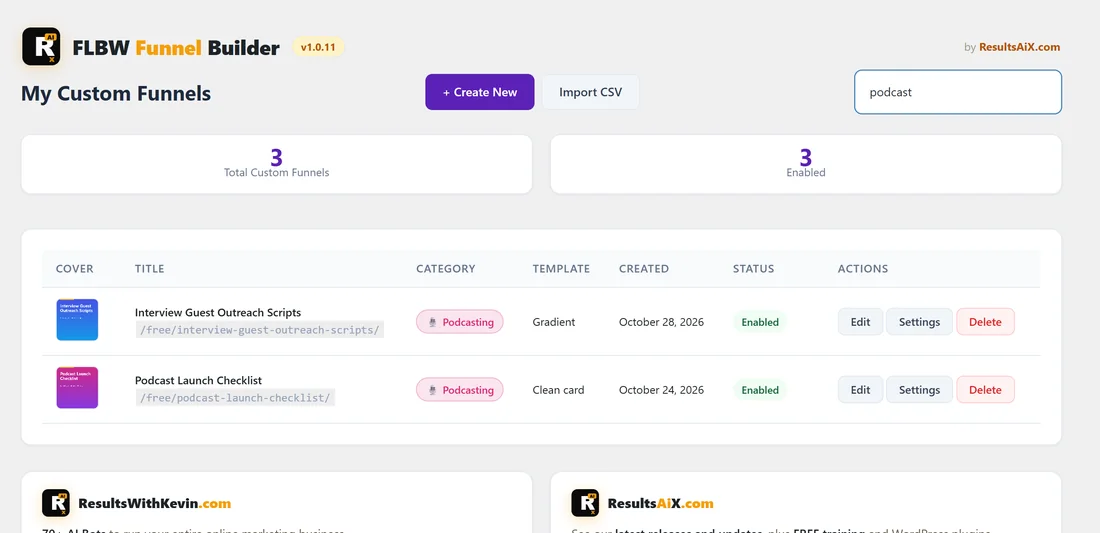
- Open My Custom Funnels.
- Type part of the title in Search funnels, for example podcast.
- Click Edit on the funnel you want.
- Make your change in the wizard and click Update Funnel on step 6.
A real example:
Sam has three custom funnels on yoursite.com: First Time Home Seller Guide (Real Estate, Corporate Blue), Interview Guest Outreach Scripts (Podcasting, Gradient) and Podcast Launch Checklist (Podcasting, Clean Card). All three show Enabled. To send the podcast funnels to a separate list, Sam clicks Settings on each and picks the list in the Autoresponder section.
Tips:
- Use Settings, not Edit, for anything about where subscribers go or what the download page promotes.
- A funnel's web address never changes when you edit it, so links you have shared keep working.