The Funnel Builder is an add-on for the Free List Building Website plugin. It lets you turn your own PDF guides into complete opt-in funnels and run them right next to the 96 funnels that come with the plugin.
Use it when you have your own lead magnet, such as a checklist you wrote for your audience, and you want the same squeeze page, download page, autoresponder connection and Showcase listing that the built-in funnels get, without building pages by hand.
What every custom funnel gets:
- A squeeze page (the opt-in page) built from one of 9 page templates
- A download page with a button to your PDF
- Your own PDF lead magnet, copied into the funnel's folder on your site
- A cover image, if you add one, used on your Showcase page and in the admin
- Privacy Policy, Terms and Disclaimer pages, linked in the footer
What you can do with it:
- Build one funnel at a time with the 6 step wizard (see Funnel Builder: The 6 Step Wizard)
- Build many funnels at once from a CSV file (see Funnel Builder: Importing Funnels From a CSV File)
- Add your own categories, and change the emoji and badge colour of the 12 built-in ones (see Funnel Builder: Managing Categories)
- Choose from 9 page templates: Gradient, Clean Card, Dark Professional, Bold Vibrant, Minimal, Modern Glass, Neon Cyber, Warm Sunset and Corporate Blue
- Use those same 9 templates on your 96 built-in funnels
Where to find it:

Once the add-on is active, the plugin's tab bar shows Funnel Builder with a green ACTIVE badge on the right. Click it to open My Custom Funnels. The Free List Building menu in the WordPress sidebar also gains four items: Funnel Builder, CSV Import, My Custom Funnels and Categories.
How custom funnels fit in:
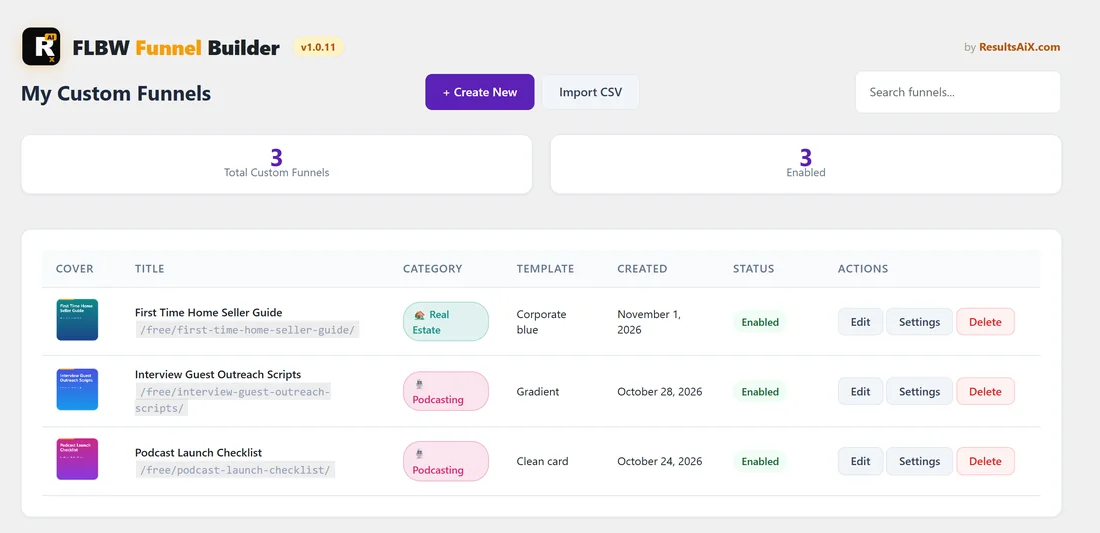
Your custom funnels work like the built-in ones. They use the same autoresponder settings, the same web address prefix from Settings, the same on and off switch on the Funnels tab, and they show on your Showcase page in their own category. The Diagnostics tab lists the add-on as FLBW Funnel Builder Addon: Active v1.0.11.
A real example:
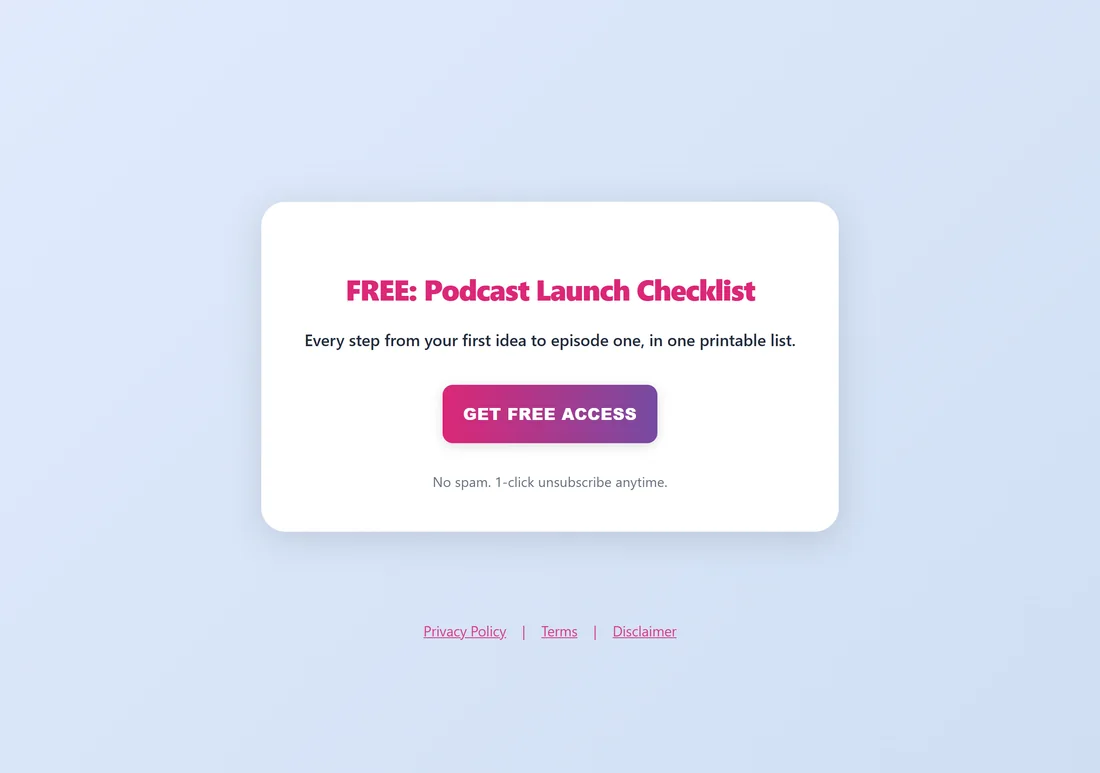
Sam at yoursite.com wrote a short Podcast Launch Checklist for listeners who want to start a show. With the add-on, Sam added a Podcasting category, built the funnel in the wizard with the Clean Card template, and it went live at yoursite.com/free/podcast-launch-checklist/. New subscribers go to the same Mailchimp list as every other funnel, and the guide shows on the Showcase page under Podcasting.
Tips:
- Start with one funnel in the wizard so you see every option once. After that, the CSV import is the fastest way to add many.
- Add your categories first, so each new funnel has a home on the Showcase page.
- Read Funnel Builder: Requirements, Install and Activate before you upload the add-on.