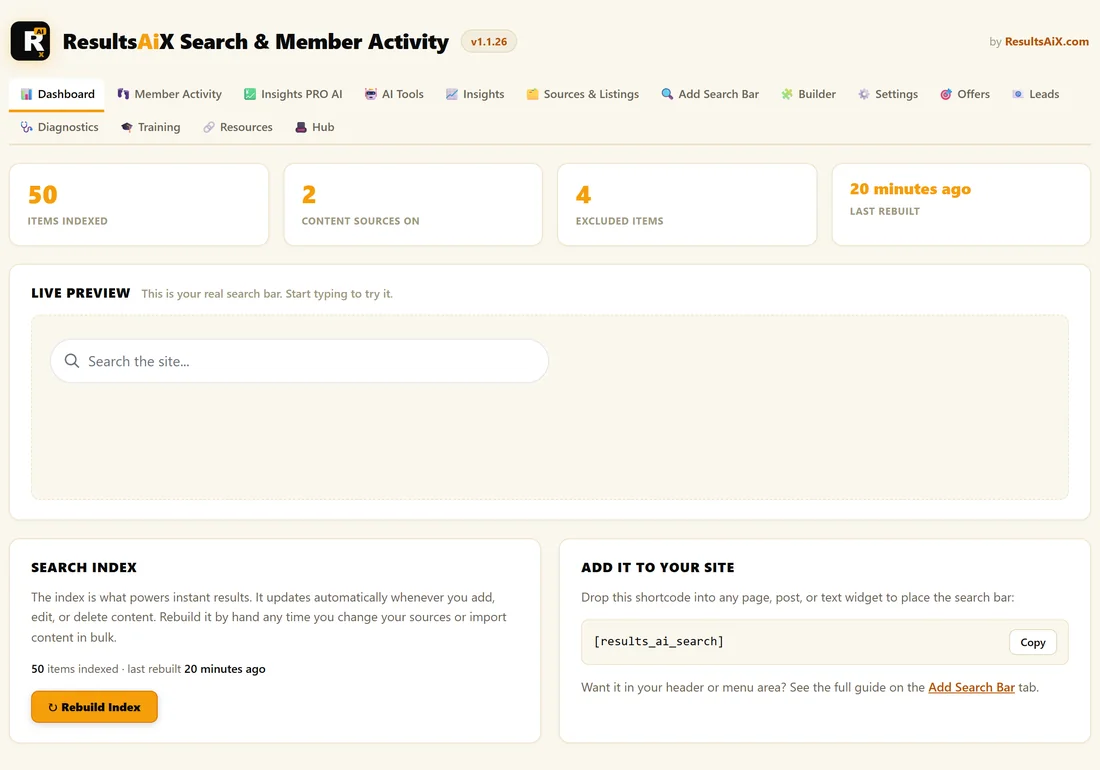
The Dashboard is the home screen of ResultsAiX Search & Member Activity. It tells you in one look how much of your site people can find, lets you test the search bar, and gives you the shortcode to place it.
Open it whenever you change your content or settings and want to check that search behaves the way you expect.
Where to find it:
Click AiX Search in your WordPress sidebar, then the Dashboard tab.
The four numbers:
- Items Indexed: how many pages, posts and other items are searchable right now
- Content Sources On: how many content types you switched on in Sources & Listings
- Excluded Items: how many single items you removed from search by hand
- Last Rebuilt: how long ago the whole index was last built
The Live Preview:
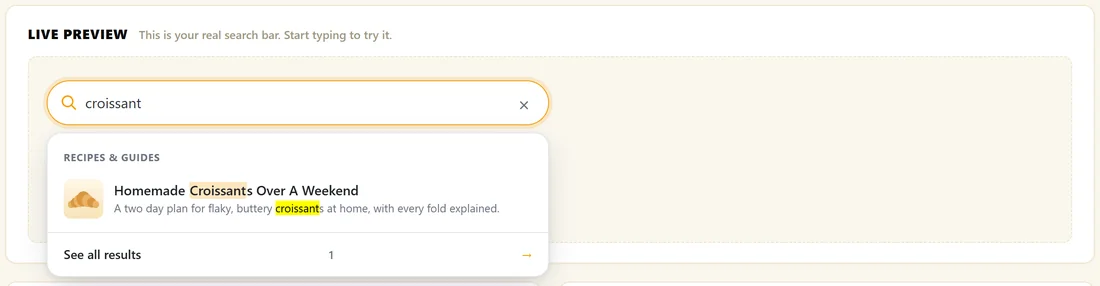
This is your real search bar, using your real settings. Type a word and the dropdown opens exactly as it does for your visitors, with your group labels, pictures, descriptions, synonyms and promoted results. Links in the preview open in a new tab, so you never leave the admin by accident.
If no content types are switched on yet, the preview box tells you so and links to Content Sources. If your types are on but the index is empty, it asks you to click Rebuild Index.
The Search Index box:
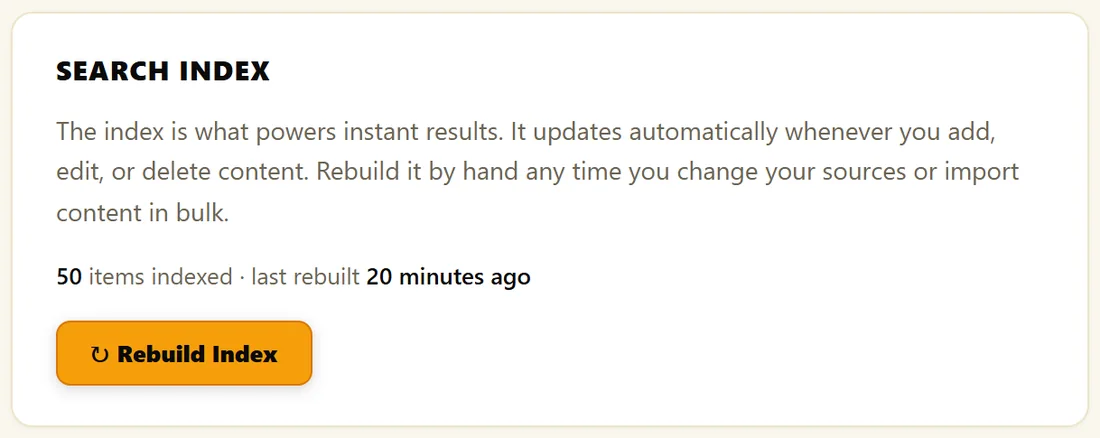
The index is what makes results appear instantly. It updates itself whenever you publish, edit, trash or delete content. The box shows how many items are indexed and when it was last rebuilt, and holds the Rebuild Index button for the times you want a fresh build. See The Search Index And When To Rebuild.
Add It To Your Site:
The last box holds the shortcode [results_ai_search] with a Copy button, and a link to the Add Search Bar tab for every other way to place the bar.
Step by step, test a change:
- Make your change, for example add a synonym on the Rules section of Settings.
- Open the Dashboard.
- Type a word that should now match into the Live Preview.
- Check the results, then try the same word on your live site.
A real example:
The Home Bakery Club shows 50 items indexed from 2 content sources, with 4 items excluded: the thank you page, the checkout, the member login page and the Search page itself. Typing croissant into the preview shows Homemade Croissants Over A Weekend under the Recipes & Guides heading.
Tips:
- If Items Indexed looks lower than you expect, check your sources and category filters, then rebuild.
- When the plugin is updated with new search features, a notice may ask you to rebuild your search index. One click on the link in that notice does it.