The Insights tab shows what people search for. Insights PRO shows how well those searches are working: which ones lead to clicks, which ones do not, and which way things are moving.
Where to find it:
Open AiX Search, then Insights PRO AI. The numbers sit at the top and Search Performance lower down.
The four headline numbers:

Each covers the last 7 days and has a chip comparing it with the 7 days before, such as an up arrow and 19%, or no change.
- Searches (7 days)
- Click-Through Rate: result clicks as a share of searches
- Found Nothing (7 days)
- Different Terms
The Search Performance table:
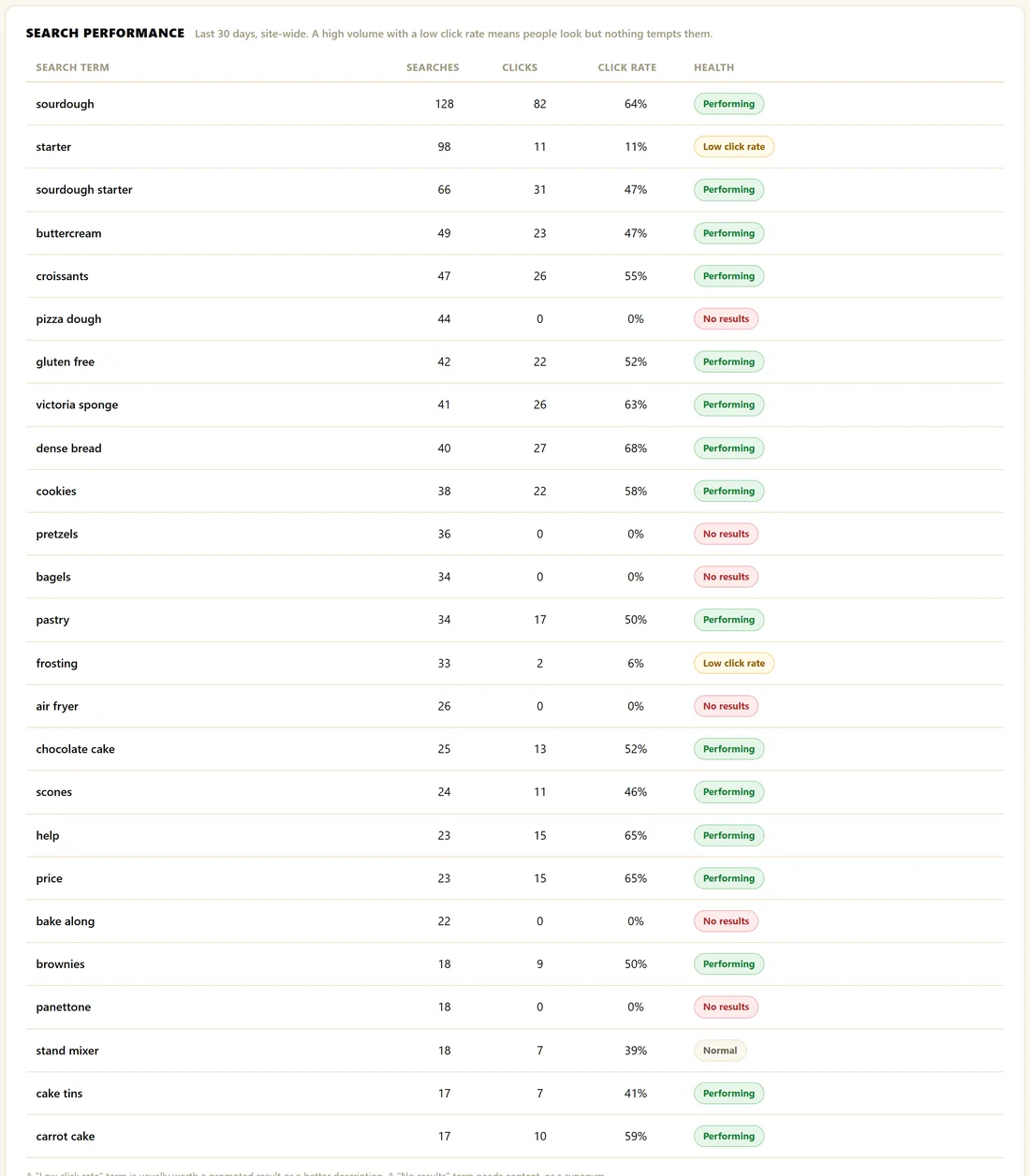
Every search term from the last 30 days, site wide, up to 25, with Searches, Clicks, Click rate and a Health tag:
- Performing: 40% or more of searches end in a click
- Low click rate: searched 5 times or more, with under 15% clicking. The results exist but nothing tempts people
- No results: the term found nothing
- Normal: everything else
What to do about each tag:
- Low click rate: write a better search description for the page that should win, or pin it with a promoted result
- No results: add a synonym, pin a page, or make new content
- Performing: leave it alone and learn from it
Exporting:
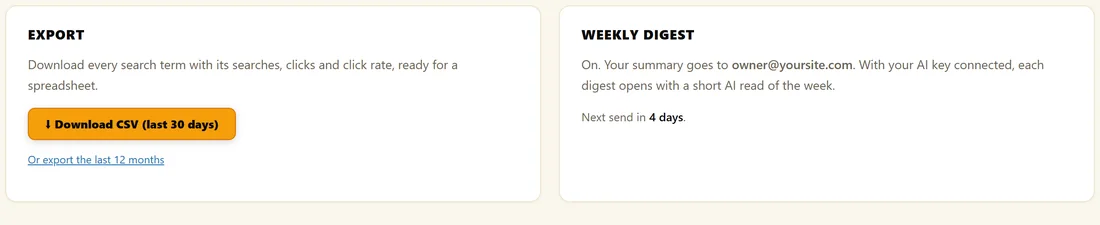
Click Download CSV (last 30 days), or Or export the last 12 months. The file is named search-insights- followed by the date, and has the columns Search term, Searches, Clicks, Click-through rate % and Results found, ready for a spreadsheet.
Weekly Digest:
The box beside Export shows whether the digest is on, where it goes and when the next one is due. See The Weekly Email Digest.
More on the same screen:
The tab is called Insights PRO AI because it also holds the AI Analyst Report, Ask AI Anything and Member Reports. See The AI Analyst Report And Ask AI Anything and Member Reports.
When you open the screen from a member's Full report link, the site wide Search Performance table is hidden, so it is never mistaken for that member's searches.
A real example:
At The Home Bakery Club, sourdough is Performing with a 64% click rate. starter is tagged Low click rate: 98 searches but only 11% clicked. The feeding guide is the right page, so the owner pinned How To Feed A Sourdough Starter for the trigger starter. frosting got the same treatment with the buttercream guide.
Tips:
- Your full history is kept, so trends get more useful the longer you run the plugin.
- The 12 month CSV is a good snapshot to keep at the end of each year.