This page is for your staff. Send them the link.
My Timesheet:
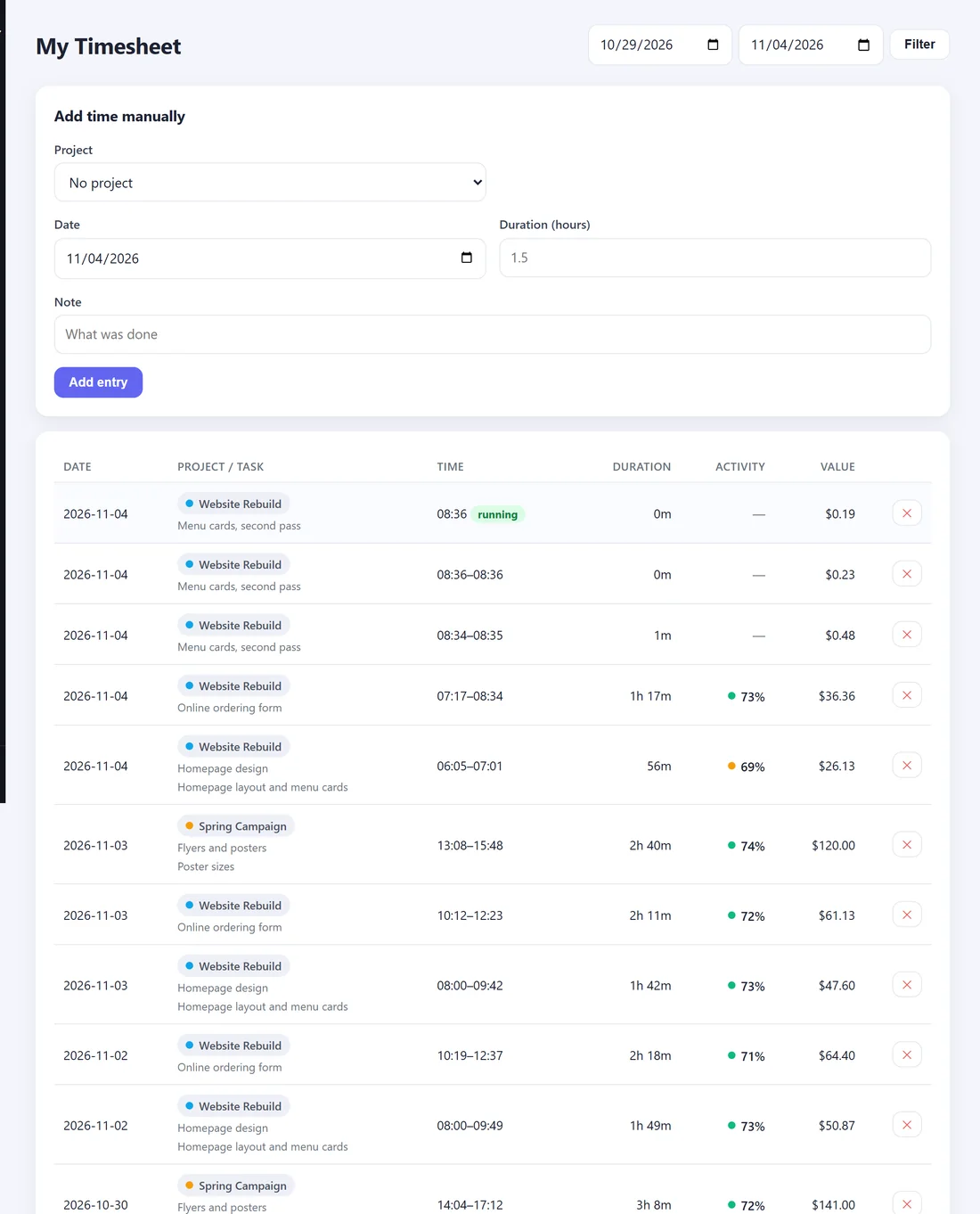
Every entry you have tracked, newest first, for the last seven days. Change the two dates at the top and press Filter to see other days.
Each entry shows the project, your note, the times, how long, your activity and its value.
Add time you forgot to track:
- In Add time manually, choose the Project.
- Choose the Date and type the Duration (hours), for example 1.5.
- Write what you did in the Note.
- Press Add entry.
The entry is marked added by hand.
Remove a mistake:
Press the cross at the end of your entry and confirm. Your manager can see in the audit log that it was removed.
My Screenshots:
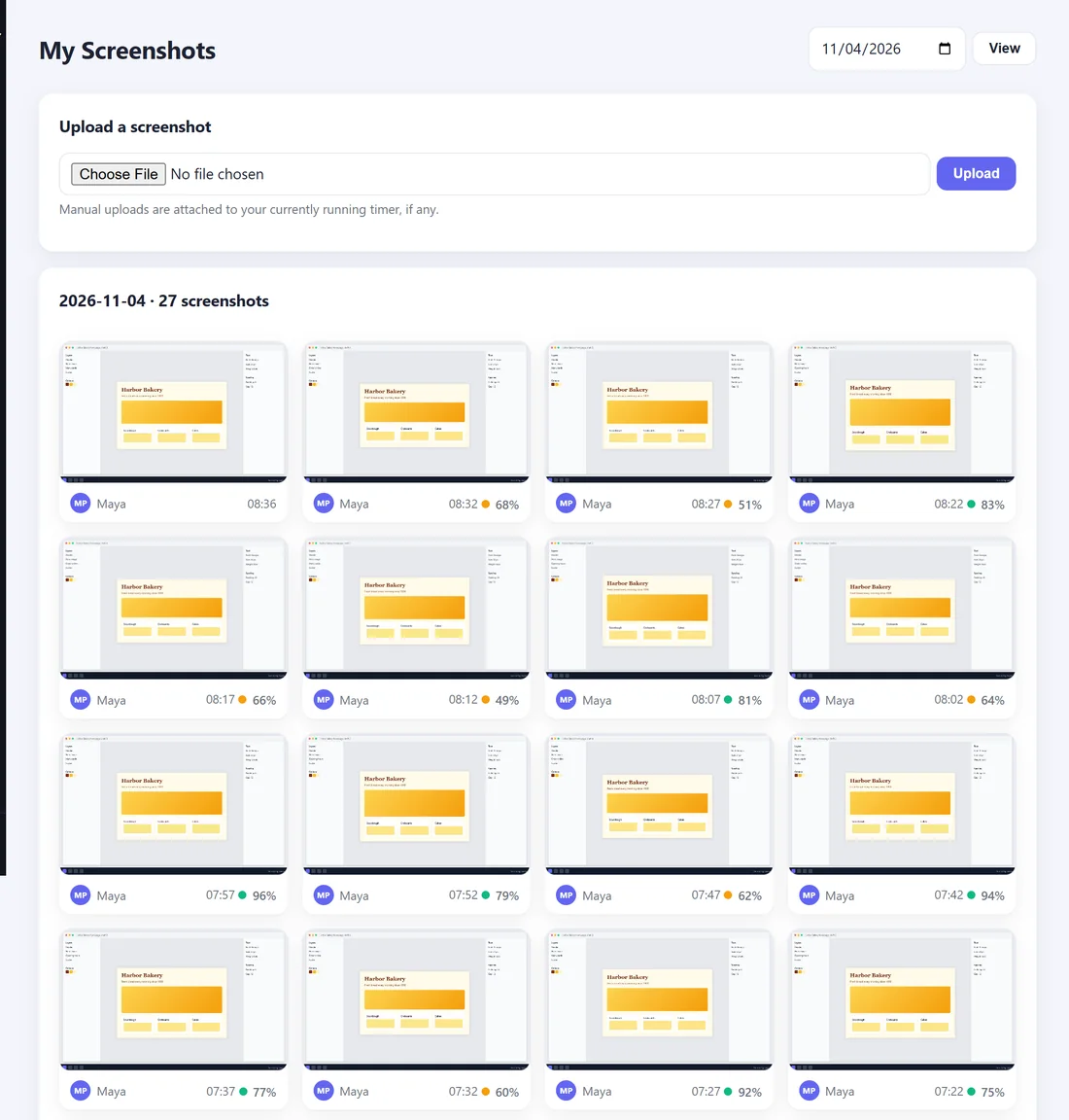
Every screenshot taken of your screen, for the day you choose. Choose a day and press View. Click a picture to see it full size.
Only you, your managers and the business owner can see your screenshots. Screenshots are deleted automatically after the time your employer has set, 90 days unless they changed it.