This page is for your staff. Send them the link.
Sign in:
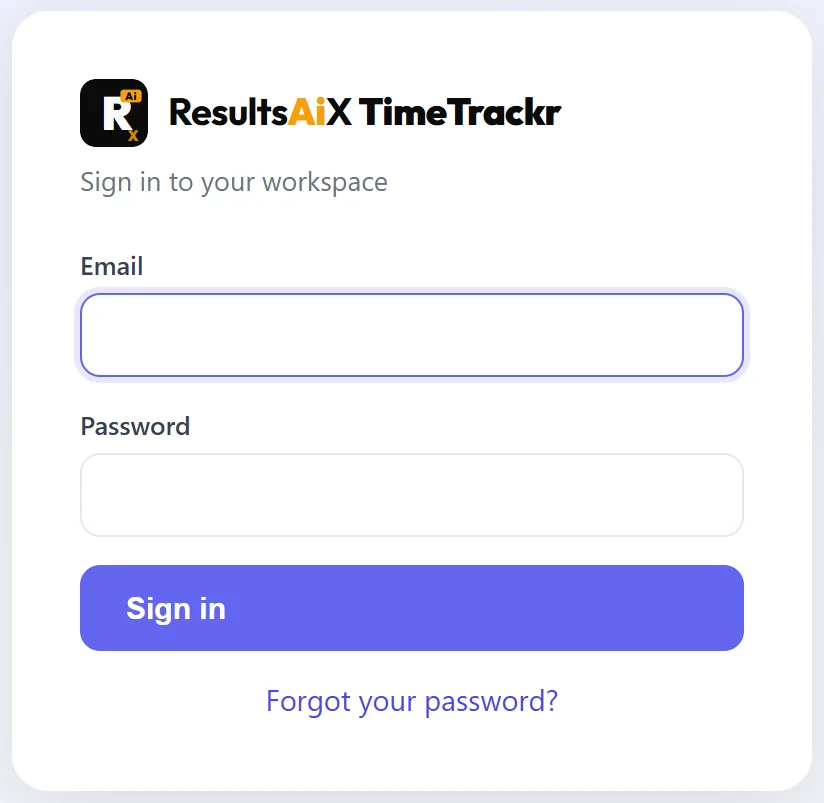
- Open the TimeTrackr address your employer gave you, for example https://track.yoursite.com.
- Type your Email and the starting Password you were sent.
- Press Sign in. The Time Tracker opens.
Change your password:
- Click your name at the bottom of the menu. My account opens.
- Type your Current password, then your New password twice. At least 10 characters, with a letter and a number.
- Press Update password.
What you can see:
Your menu has three pages:
- Time Tracker. Start and stop your timer.
- My Timesheet. Every hour you have tracked.
- My Screenshots. Every screenshot taken of your screen.
Nobody else on the team can see your hours or screenshots. Your managers and the people who run TimeTrackr can.
Forgot your password?
Ask the person who runs your TimeTrackr for a reset link. They make one in a few seconds, and it works once, for one hour.