Most visitors leave a page without clicking. The leave popup gives them one more reason to stay, at the moment they are about to go. Use it to remind them of your bonuses, or to collect their email in exchange for a free bonus.
Where to find it:
Open a project, click 5. Delivery & leads, and find the Leave popup on your bonus page card.
Switching it on:
- Tick Show a leave popup.
- Choose Reminder or Collect emails.
- Fill in the words.
- Click Save at the bottom of the Where new leads go card.
The two modes:
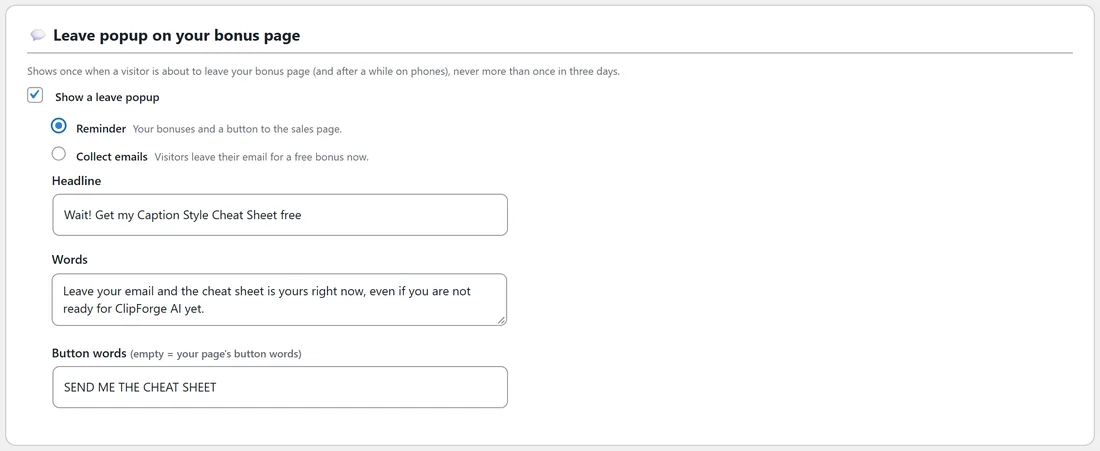
- Reminder. Your bonuses and a button to the sales page. The button goes to your affiliate link in a new tab.
- Collect emails. Visitors leave their email for a free bonus now. Good for people who are not ready to buy today.
The settings:
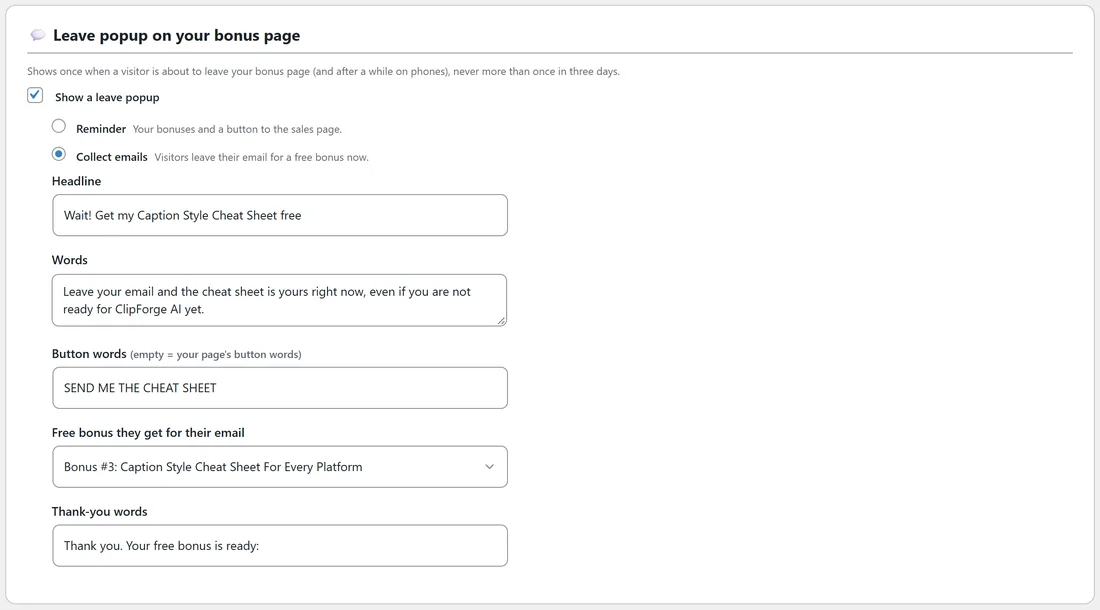
- Headline. The big heading in the popup. It starts as Wait! Your bonuses are still here.
- Words. The line under the heading.
- Button words. Leave it empty to use your page's button words, or type your own.
In Collect emails mode there are two more boxes.
- Free bonus they get for their email. Pick one of your written bonuses, or No free bonus, just join the list.
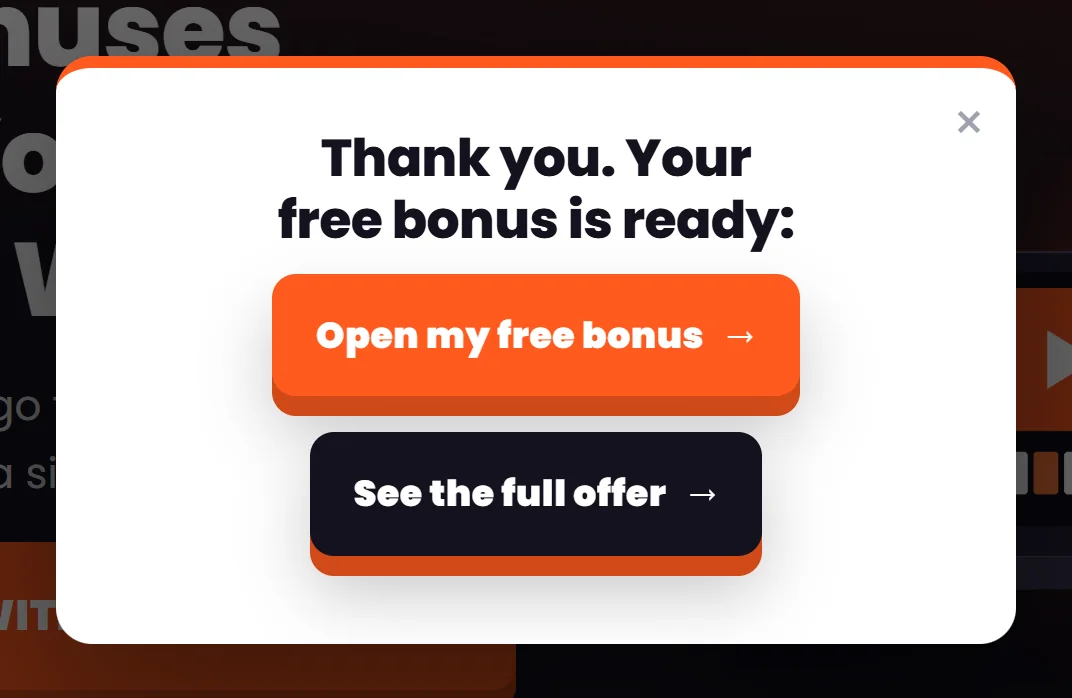
- Thank-you words. The heading they see after they send their email. It starts as Thank you. Your free bonus is ready:
What visitors see in Reminder mode:
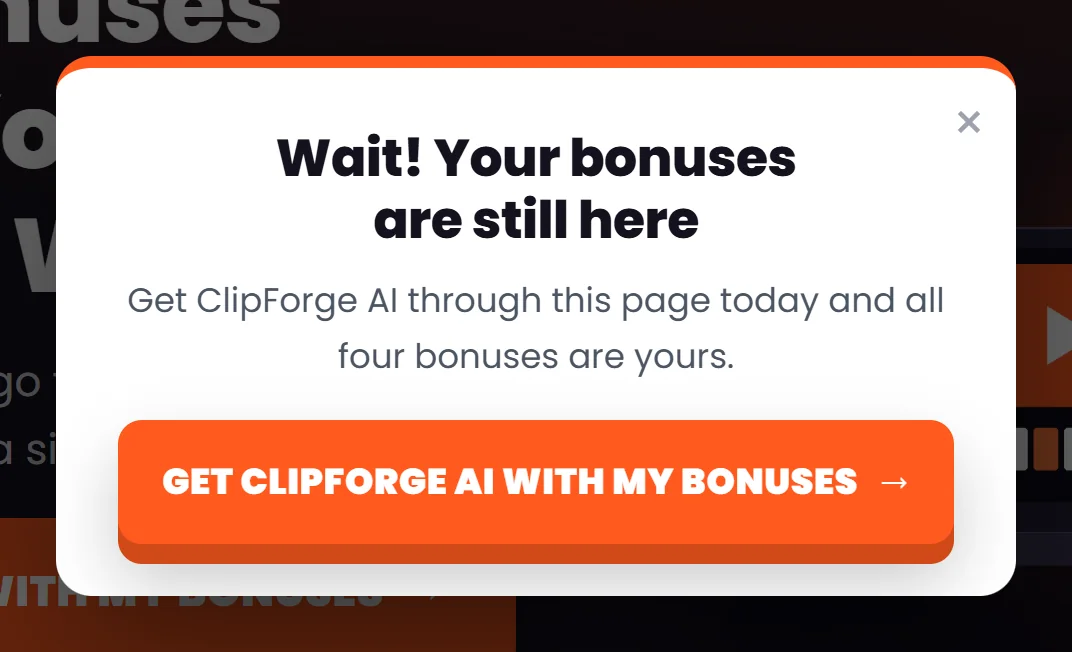
Your headline and words, and one big button to the sales page through your affiliate link.
What visitors see in Collect emails mode:
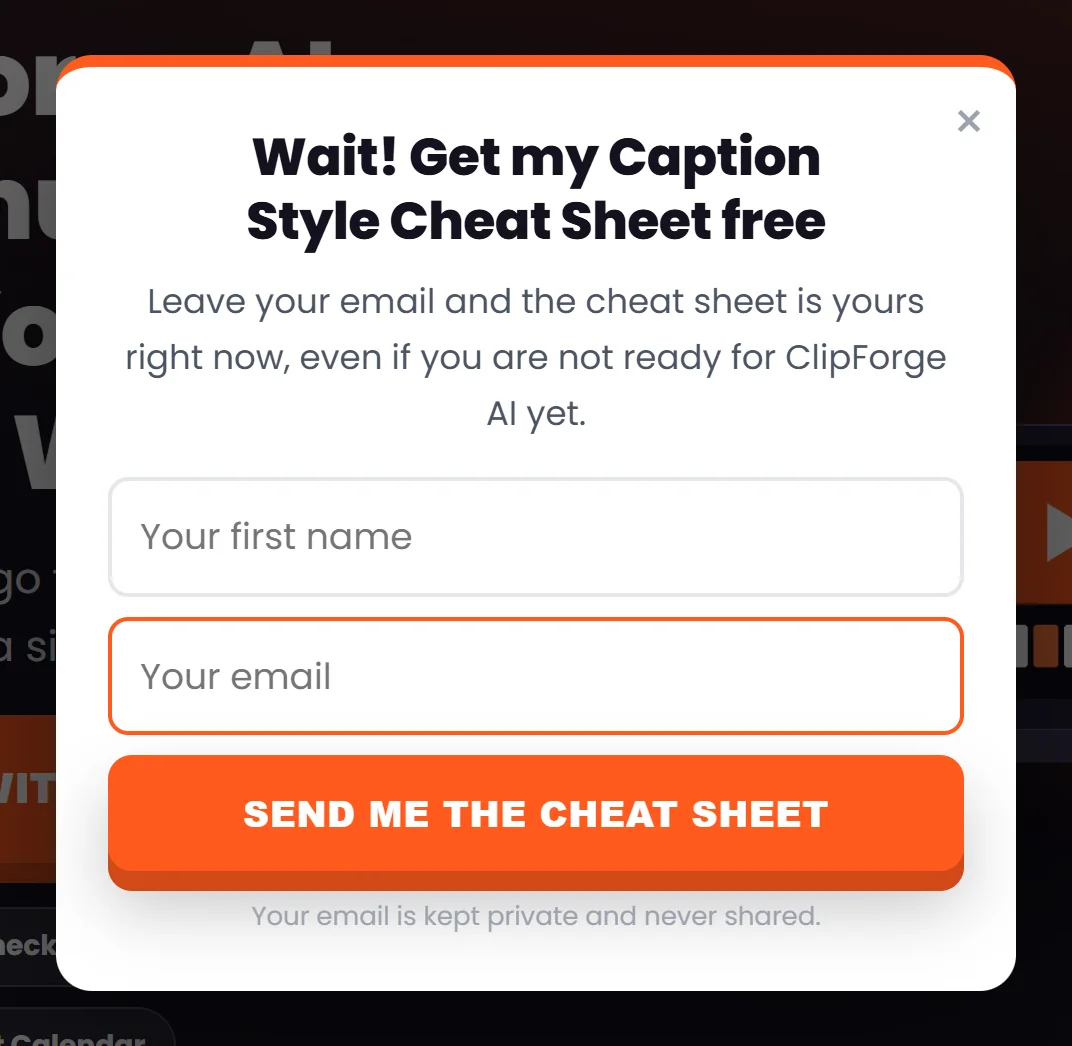
- Your headline and words, Your first name, Your email and your button, with a line saying their email is kept private.
- After they send it, your thank-you words with two buttons: Open my free bonus, which opens that one bonus to read straight away, and See the full offer, which goes to the sales page through your affiliate link.
- The lead is saved under Leads on step 5, marked Bonus page popup.
When it shows:
- On a computer, when the pointer moves up out of the page towards the tabs or the back button.
- On phones and tablets, after 30 seconds on the page, or when the visitor scrolls well down the page and then quickly back up.
It shows once, and not again in the same browser for three days. Visitors close it with the X, the Esc key or a click outside the box.
A real example:
Sam uses Collect emails on the ClipForge AI page, with the headline Wait! Get my Caption Style Cheat Sheet free and the Caption Style Cheat Sheet as the free bonus. Visitors who are not ready to buy still join Sam's list, and the thank-you box gives them the full offer one more time.
Tips:
- Reminder works well in the last days of a launch, together with the countdown: see The Countdown Banner.
- Pick a short, useful bonus as the free one, such as a cheat sheet, so it feels like a real gift.
- Results on step 5 shows how many saw the popup and how many clicked or left an email: see Your Results: Visits, Clicks And Downloads.