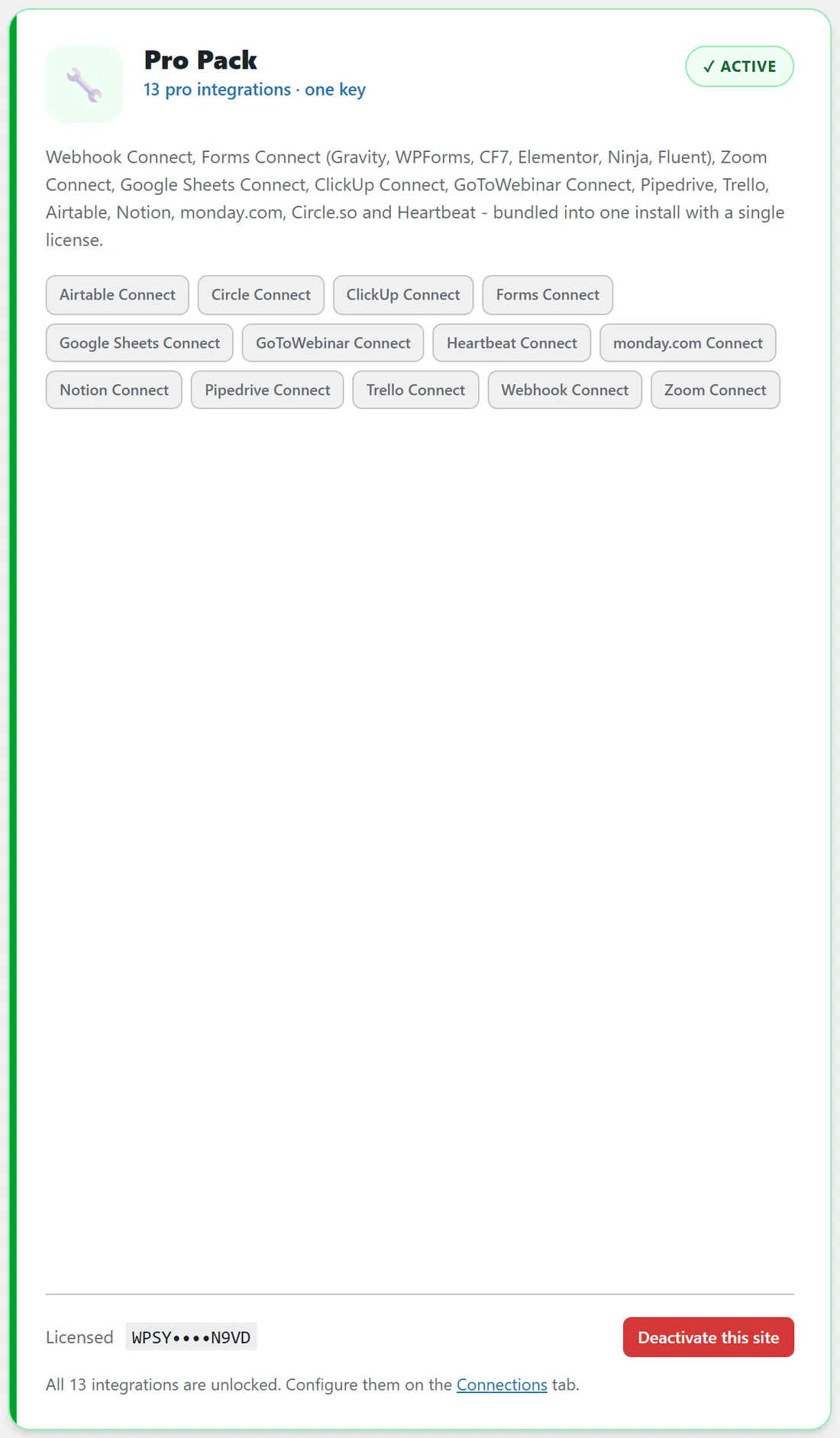
The Pro Pack is a separate plugin with its own licence key, entered on the Add-ons tab. It adds 13 connectors, and every one is marked stable. Once active, each one appears in the Connector Add-ons section of the Connections tab and in the bridge builder, and uses the same field mapping, filters, delays, drips, tests and logging as the built in apps.
The 13 connectors:
- Forms Connect. Source only, instant.
- Webhook Connect. Source and destination, instant inbound.
- Google Sheets Connect. Source and destination, polled.
- Zoom Connect. Source and destination, polled.
- GoToWebinar Connect. Source and destination, polled.
- Airtable Connect, Notion Connect, monday.com Connect, ClickUp Connect, Trello Connect, Pipedrive Connect, Circle Connect and Heartbeat Connect. Destinations only.
Forms Connect:
Every submission from a WordPress form becomes a contact, the instant it is sent. It supports Gravity Forms, WPForms, Contact Form 7, Elementor Pro, Ninja Forms and Fluent Forms. The card connects itself as soon as one of those plugins is active on the site, and the bridge builder lists your forms as the source list. See Squeeze Page And Form Opt Ins.
Webhook Connect:
As a source it gives you a private inbound URL. Anything that can send a POST, from a quiz tool to a custom app, becomes a source. As a destination it sends each contact as a JSON POST to the outbound targets you list on the card. See Webhook Connect For Anything Not Listed.
Google Sheets Connect:
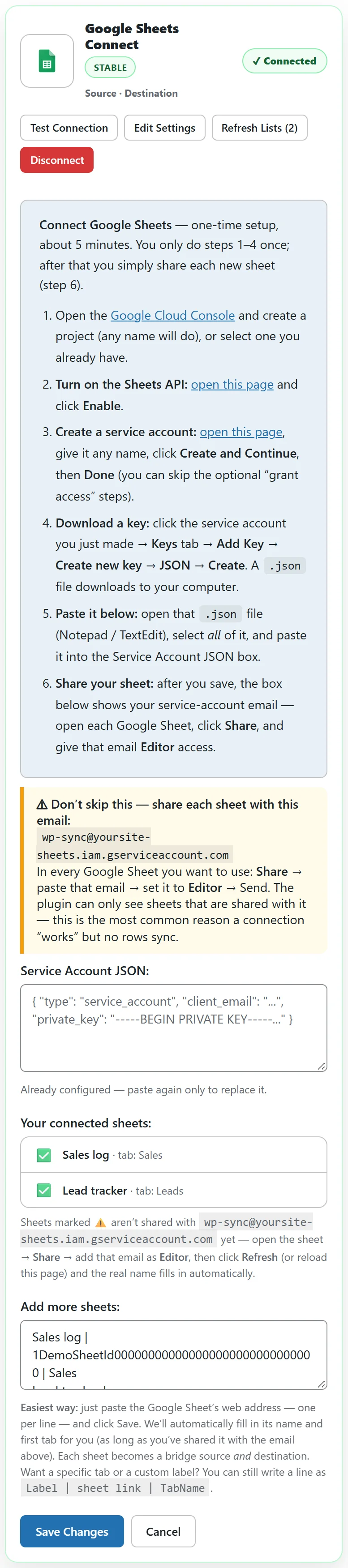
As a destination it appends one row per contact. As a source, new rows added to a connected sheet become contacts on the next poll. You paste a Google service account key once, then list each sheet on its own line as a label, the sheet ID or address, and the tab name. Share each sheet with the service account email shown on the card, with Editor access.
Zoom Connect and GoToWebinar Connect:
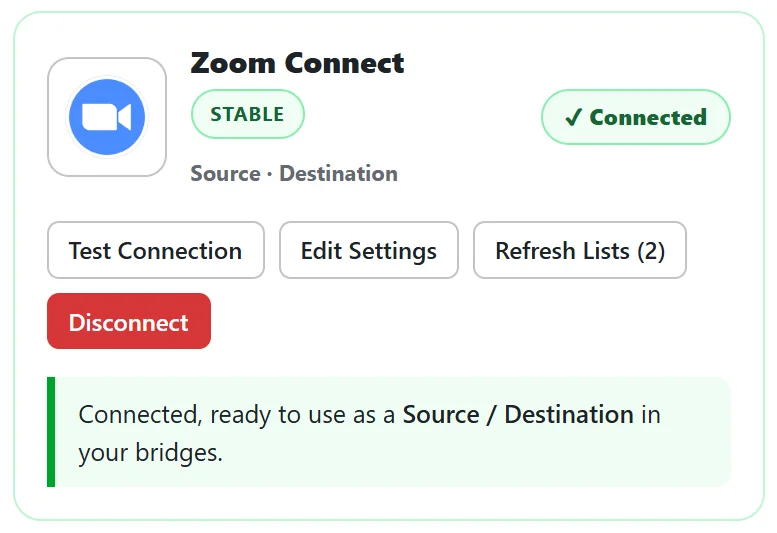
As a source, a bridge watches one webinar. For Zoom the builder shows a What to watch box with Registrants or Attendees (past webinar report). GoToWebinar watches registrants. As a destination, each contact is registered for the webinar you choose. Zoom uses a Server to Server OAuth app: an Account ID, a Client ID and a Client Secret. GoToWebinar connects through its own sign in on the card.
Project tools and CRMs:
Airtable creates a record in a table, Notion creates a page in a database, monday.com creates an item on a board, Trello creates a card, ClickUp creates a task, Pipedrive creates a person, Circle adds a member to your community and Space, and Heartbeat adds a member to your Heartbeat community. Each card shows what to paste.
A real example:
yoursite.com uses three Pro Pack connectors. Zoom Connect feeds webinar registrants to Kit. Google Sheets Connect keeps a Sales log and a Lead tracker. Webhook Connect catches leads from the website quiz and sends them to ActiveCampaign.
Choosing between Google Sheets and Airtable:
Google Sheets Connect works both ways and adds a row for every contact, which suits logs and exports. Airtable Connect creates or updates a record, which suits a tidy database of people. Many sites use Google Sheets for sales logs and a database app for client records.
Tips:
- Install and activate the Pro Pack plugin first, then paste its key on the Add-ons tab.
- Count on the Add-ons tab rather than memory. The card's tagline reads 13 pro integrations, one key.