There are 39 connections in ResultsAiX Engage. That is the number of cards on the Connections tab, and every one of them works the same way: connect once, then pick it on any campaign.
Where to find it:
Open ResultsAiX Engage and click the Connections tab. The groups below match the groups on screen.
Email marketing, 23:
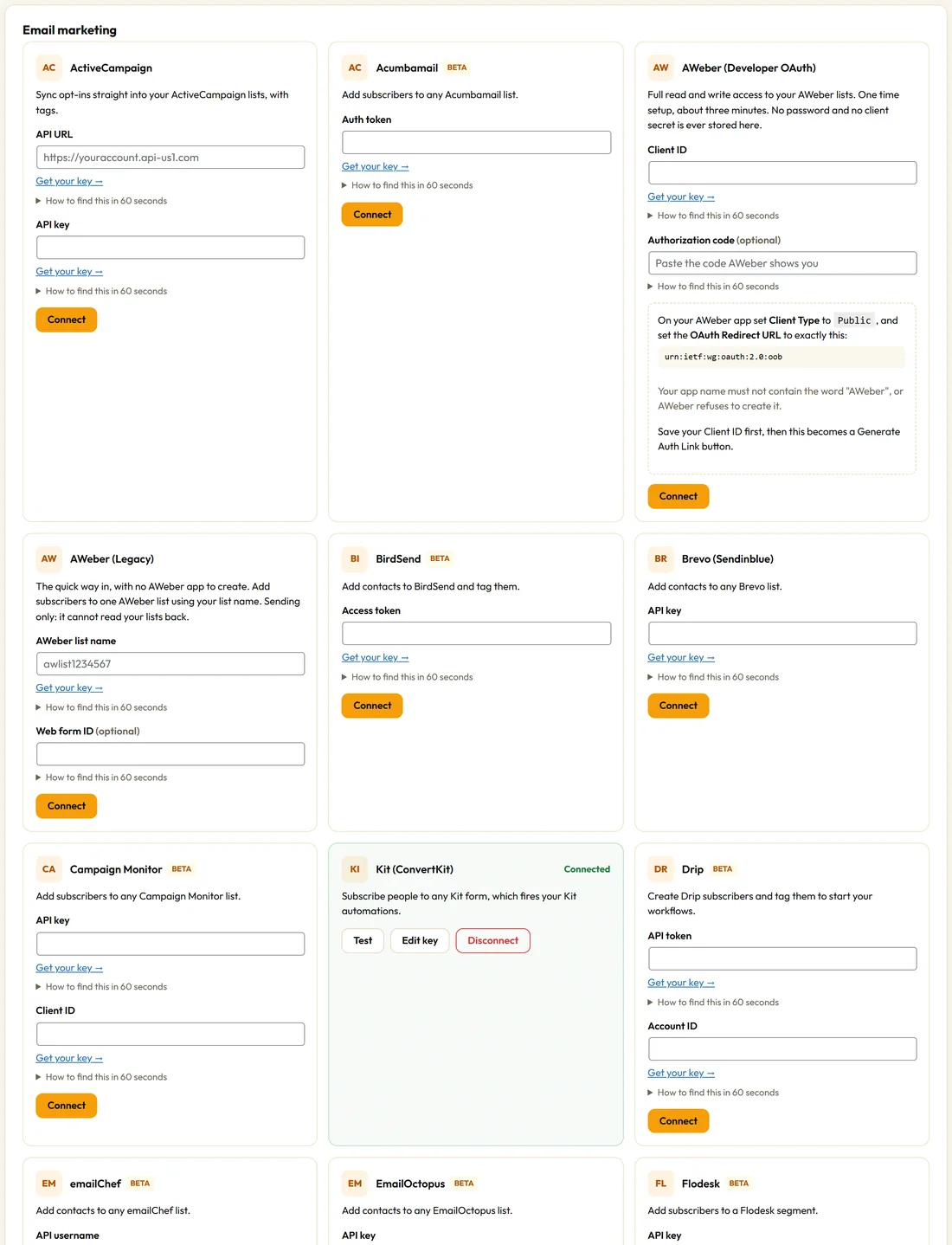
ActiveCampaign, Acumbamail, AWeber (Developer OAuth), AWeber (Legacy), BirdSend, Brevo (Sendinblue), Campaign Monitor, Drip, emailChef, EmailOctopus, Flodesk, GetResponse, Kit (ConvertKit), Loops, Mailchimp, MailerLite, Mailjet, Mailvio, Moosend, Sender, SendFox, Sendiio and SendX.
Ecommerce and CRM, 9:
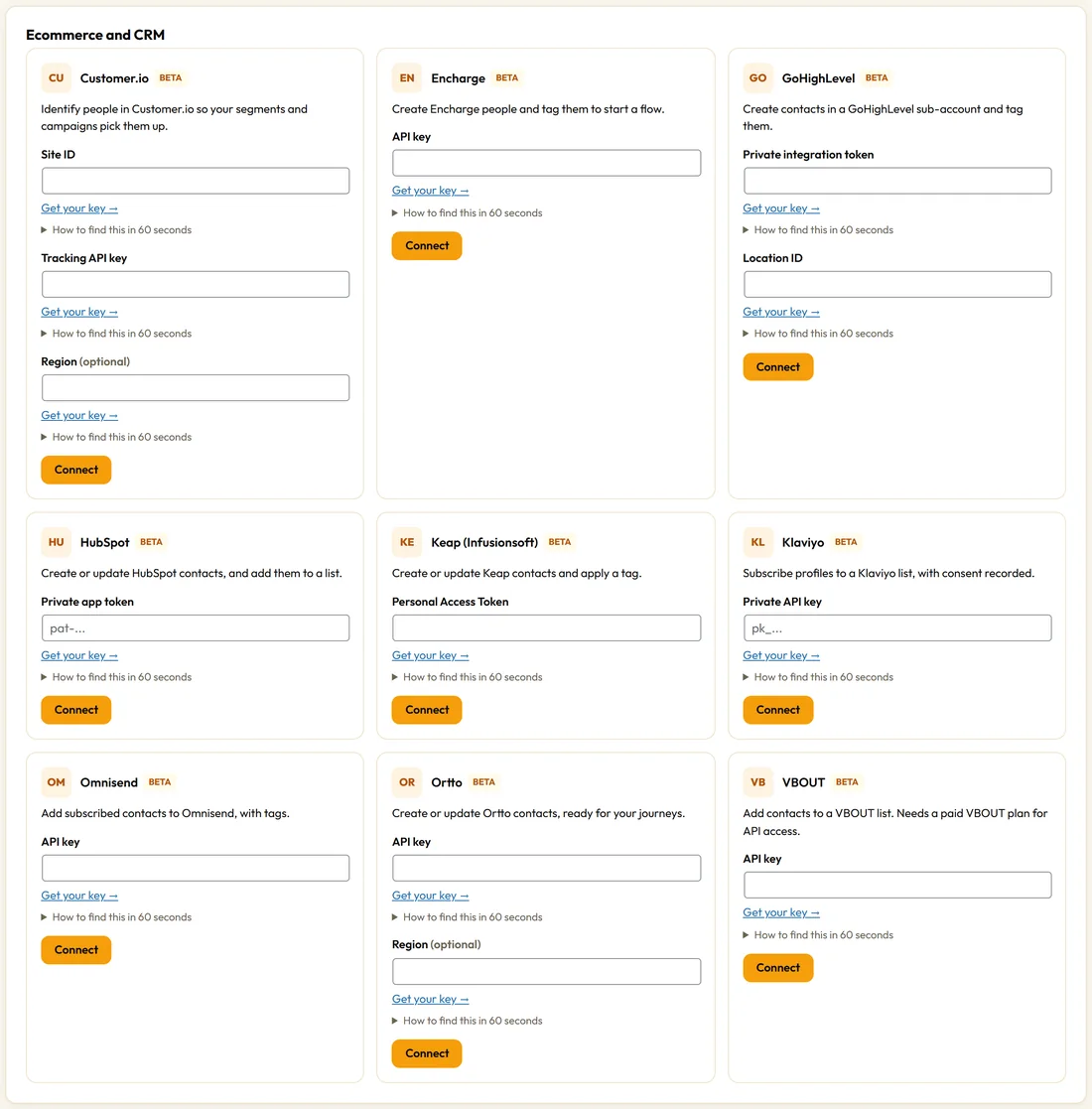
Customer.io, Encharge, GoHighLevel, HubSpot, Keap (Infusionsoft), Klaviyo, Omnisend, Ortto and VBOUT.
On this site, 3:
FluentCRM, MailPoet and ResultsAiX Mailer. They run inside your own WordPress, so there is no key to paste. The card says Ready to use when the plugin is active.
ResultsAiX Mailer on the same site connects the moment the Mailer is active, and your Mailer lists appear when you set up a campaign. Leads land in the list you choose and behave like someone who used a Mailer form: the list's double opt-in setting is respected, and any Mailer automation that starts on joining a list or on a tag runs straight away.
Self hosted, 2:
ResultsAiX Mailer (on another site), for a Mailer on a different WordPress site you own, and Sendy, which runs on your own server.
Newsletters, 1:
beehiiv.
Funnels and courses, 1:
Systeme.io.
Stable and beta:
12 connections are marked stable, which means they have been tested against a live account: ActiveCampaign, AWeber (Developer OAuth), AWeber (Legacy), Brevo (Sendinblue), FluentCRM, GetResponse, Kit (ConvertKit), Mailchimp, MailerLite, MailPoet, ResultsAiX Mailer and ResultsAiX Mailer (on another site).
The other 27 show a small beta label on their card. They are built and working, and have not yet been tested here against a live account of that provider. Send one test opt-in when you connect, then check it arrives.
What every connection receives:
Engage sends the email, first name, last name and phone your form collected, your tags where the provider supports them, and source details where the provider accepts extra fields: the campaign name, campaign type, page, referrer, device and any UTM values on the visit.
A real example:
Northside uses MailerLite for the main newsletter and Kit for roast notes. If they ever move their whole list to ResultsAiX Mailer, they only change the Autoresponder on each campaign's Opt-in tab. Every lead already captured stays on the Leads tab and in the CSV export.
Choosing between similar options:
- AWeber: use AWeber (Developer OAuth) when you want your lists in a dropdown and tags applied; use AWeber (Legacy) for a quick start with one list.
- ResultsAiX Mailer: use ResultsAiX Mailer when the Mailer is on the same site, and ResultsAiX Mailer (on another site) when it lives on a different site you own.
- One list per campaign: each campaign sends to the list you pick on its Opt-in tab, so different campaigns can feed different lists in the same service.
Tips:
- Not on the list? Use the webhook or a raw form embed. See Webhooks And Raw Form Embeds.
- Use the Test button any time a provider changes its settings.